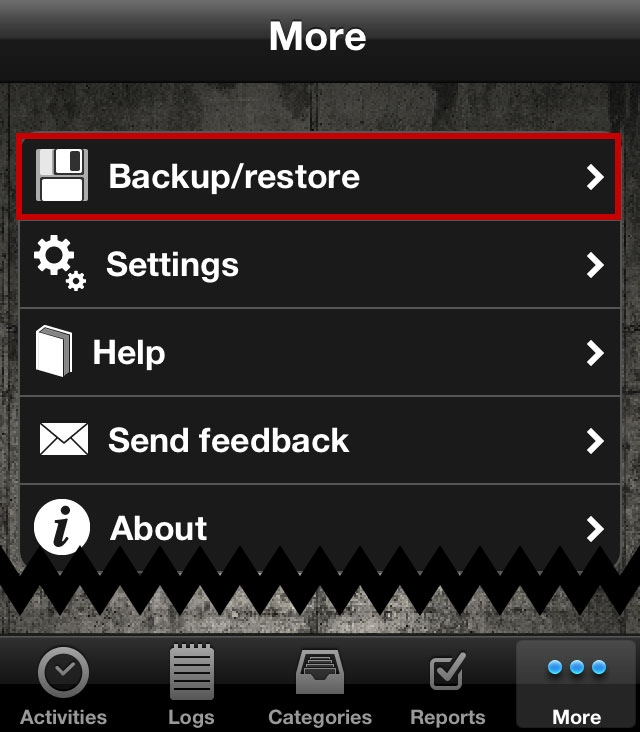
To migrate data from first version of aTimeLogger to this new version, touch "More" tab and then touch "Backup/restore" option
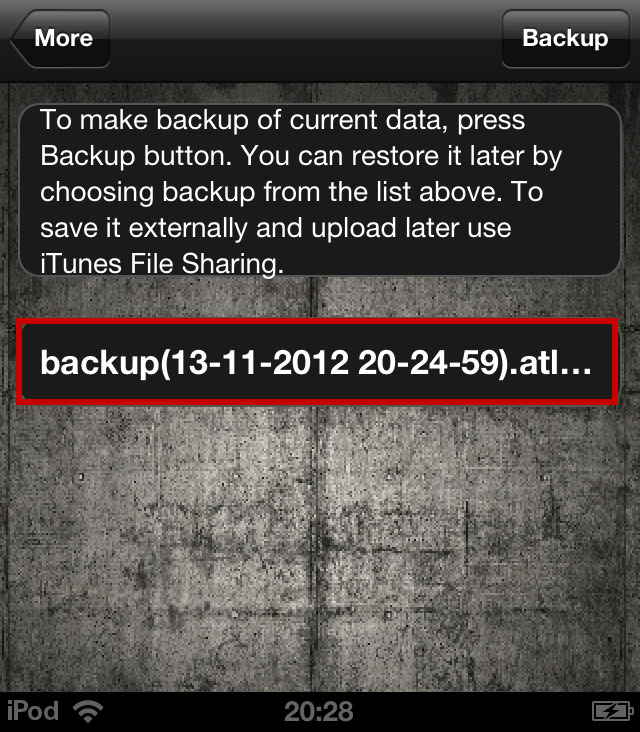
To make backup of current data, touch "Backup" button. You can restore it later by touching "Backup/restore" in the prior screen
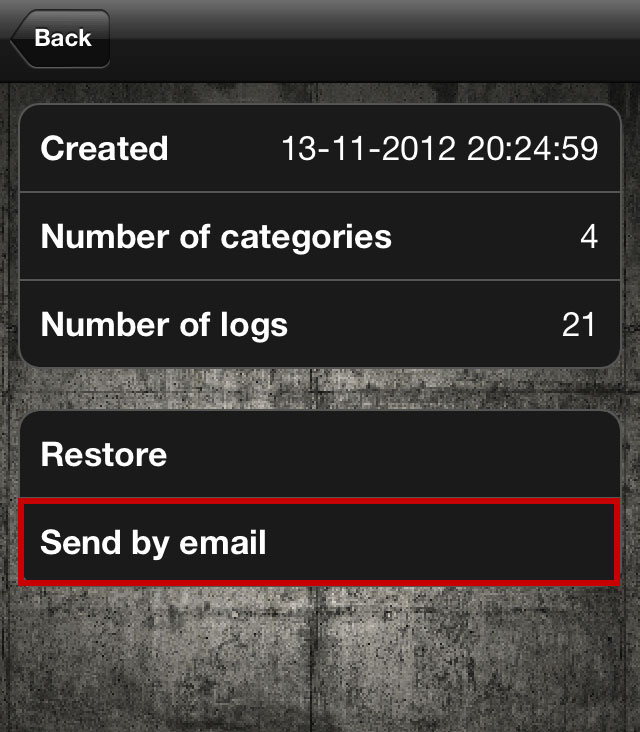
Send selected backup by email to the default email account connected to your device
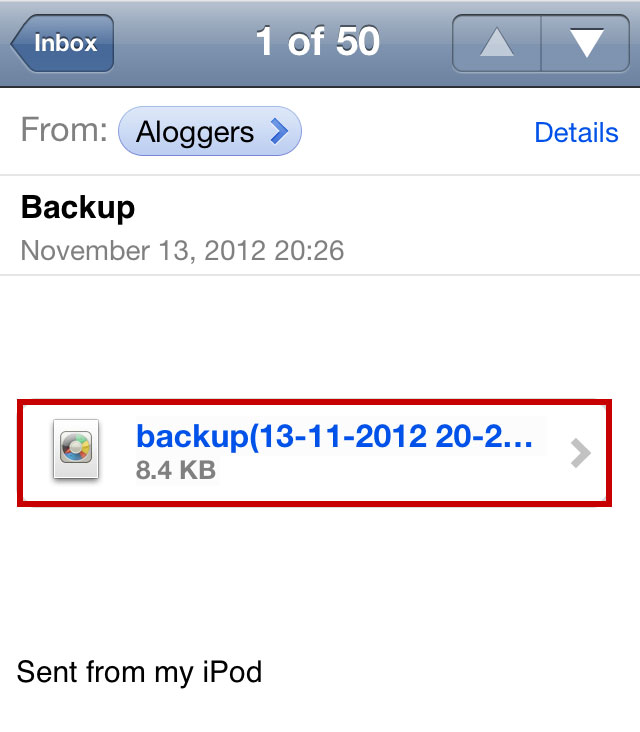
Check your device's default email account for new email. Open the new email sent a few seconds ago and tap the attachment
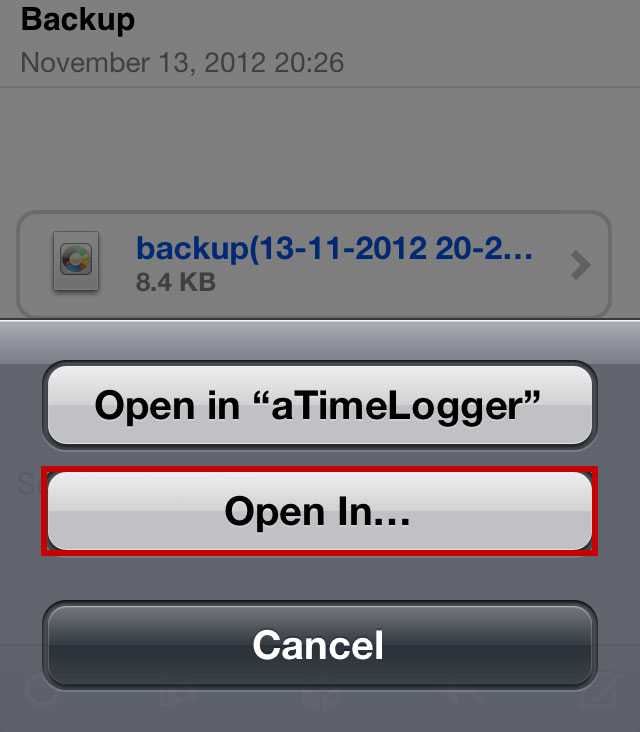
Since you have both original aTimeLogger app and new app installed on your device, touch "Open in..." to select new aTimeLogger app
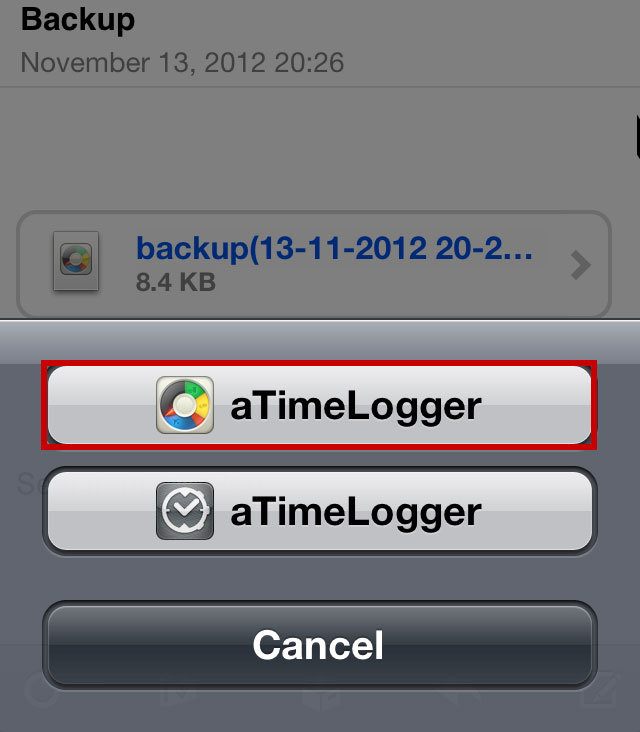
Select new aTimeLogger